
Microsoft Teams | Slough, Berkshire
Microsoft Teams Support in Slough
Chat, meetings, files and calls in one place your staff already know. Our Microsoft Teams support for Slough firms covers Teams setup, channels for each team, Teams Phone on your 01753 numbers, meeting rooms and staff training.
Talk to a Teams expertAll in one workspace
One Place to Chat, Meet and Call
Teams brings instant messaging, file sharing, video meetings and task lists into one app. Set up properly, it is where staff work and take calls on your business numbers, on the Slough Trading Estate, at home or on the M4.
Plenty of Slough firms turned Teams on in a rush and never came back to it. Teams multiply, old guests keep access and nobody knows where the latest file lives.
We plan your channels, agree guest rules, connect Teams calling and set up meeting rooms, so it stays easy to use.
Speak to our team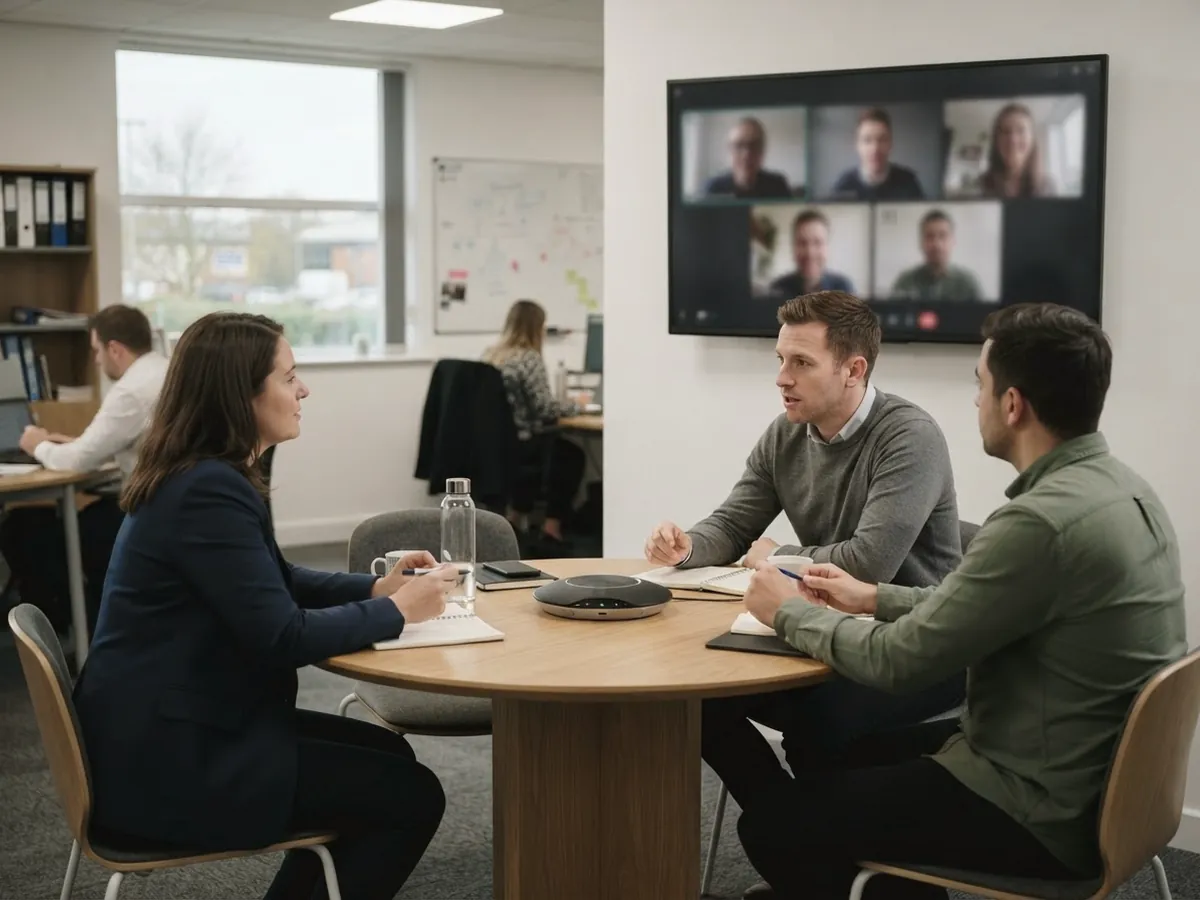
What we set up
Everything Your Staff Need to Work as One
We configure and support each part of Microsoft Teams, plus the admin settings behind it, from channels to calls.
Channels and owners
We work out which teams and channels you need and who owns each, then set naming rules, expiry for idle teams and retention for chats and files.
External guests
Teams lets you add outside contacts. We decide who can invite them, which teams they join and what they see, and review guests regularly.
Teams Phone lines
We move your 01753 numbers into Teams, so staff make and answer calls on a laptop or mobile and customers dial the same numbers as before.
Files and tasks
Each team gets a SharePoint site with the right permissions, and Planner tasks keep everyone clear on who is doing what.
Teams calling
Run Your Phone Calls Through Microsoft Teams
Teams calling is a virtual phone system that sits next to chat and meetings. Staff pick up the business line at their desk in Slough, at home or with a client near Heathrow, and callers reach them on the same number wherever they are.
We handle porting, call routing and handsets, and if Teams calling does not suit you, we can suggest a 3CX phone system or cloud VoIP instead.
- Keep your existing 01753 numbers
- Auto attendants, call queues and hunt groups
- Headsets and desk phones certified for Teams
- One setup for the office, home workers and staff on the road
- Old copper lines moved before the analogue switch-off
- Teams Rooms kit for small huddle spaces and boardrooms
Rolling it out
How We Set Up Microsoft Teams
A good Teams rollout depends on people as much as settings. We follow four steps, so your Slough staff know how to use Teams from the first day.
See how you work today
We review your current teams, licences, phone lines, numbers and meeting rooms, and note what stays.
A written plan
You receive a plan for team structure, call flows, room kit and licences, with a pre-agreed price.
Configure and port
We set up Teams, build auto attendants and call queues, fit room kit and port your numbers on a date that suits you.
Training and help
Staff get short, practical training, and our Slough helpdesk deals with Teams questions and changes.
Frequently asked questions
Microsoft Teams Support Questions From Slough Firms
What does your Microsoft Teams support cover?
We plan channels, agree guest rules, connect Teams calling and set up meeting rooms, then train your staff and answer Teams questions from our office on Bath Road in Slough.
Which licences does Teams Phone need?
Every user needs a Microsoft 365 or Teams licence, and anyone making outside calls also needs Teams Phone. Some plans already include it, so we check your licences before we quote.
Could Teams replace our phone system?
Yes. Teams calling turns Teams into a virtual phone system, so chat, meetings and calls sit in one app. It suits staff who already work in Teams all day, and we can also quote a separate cloud phone system.
Can we keep our 01753 numbers when calls move to Teams?
Yes. We port your 01753 numbers across, so customers keep dialling the numbers they already know.
How do you control guest access?
We agree a policy with you first: who can invite guests, which teams accept them and what they can open. We apply it in Teams and SharePoint and review guests so former contractors lose access.
Our Teams is a mess. Can you sort it out?
Yes. When anyone can create a team, copies build up fast. We archive dead teams, merge duplicates, remove guests nobody needs and set rules for new teams.
Will the copper switch-off affect us?
Only for lines still on copper. Openreach is retiring the old analogue phone network nationwide, and moving your numbers into Teams takes you off it.
Do you set up Teams meeting rooms?
Yes. We suggest Teams Rooms kit to suit each room, then install, configure and test it with your staff, and keep an eye on the devices once they are in use.
Microsoft certified, independently accredited.


Get in touch
Speak to a Microsoft Teams Expert in Slough
Tell us how your staff work together now and whether you need calling, and we will suggest the right Teams setup. Call 01753 255435, email hello@sloughitsupport.uk or send us a message and we usually reply within the hour.
Contact us